5 Best Money Saving Apps You Need Now
Most people work hard. They earn good pay. But when the month ends, the cash is gone and no one knows where it went. This is a very real and very wide problem. In fact, a 2023 study by the National Foundation for Credit Counseling found that more than 60% of adults in the U.S. do not track their daily spending. That is a huge gap. And that gap costs real money every single year.
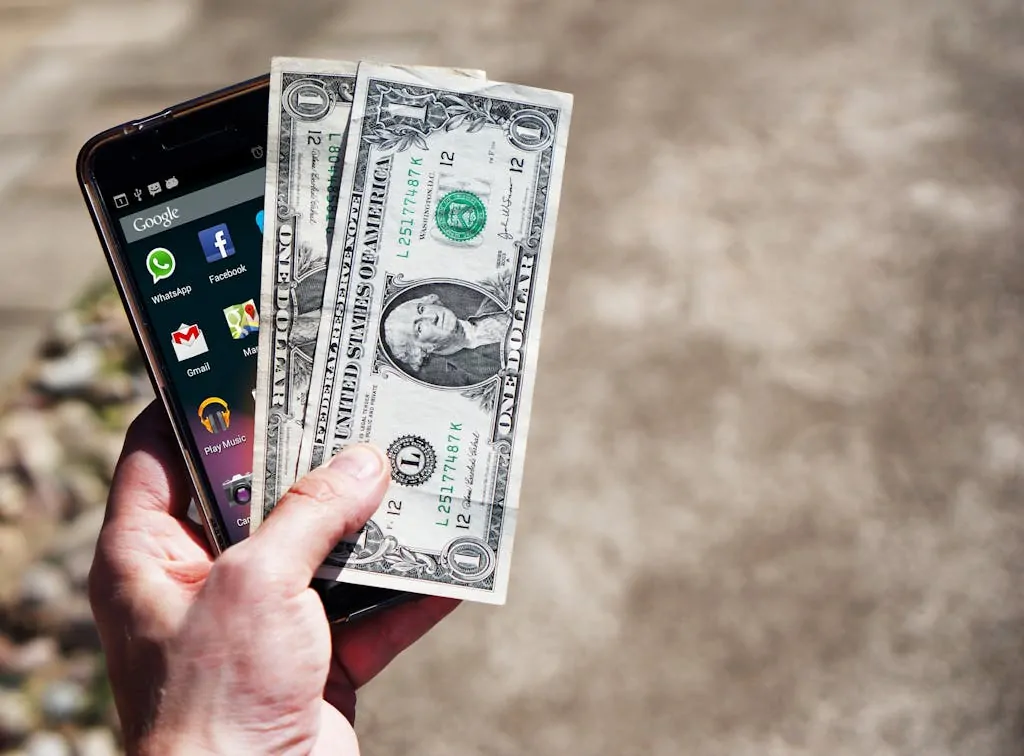
The good news is that right now, in your hand, is a tool that can fix this. Your phone. With the right app, you can see your money, track your cost, cut the waste, and save more each week. This is not magic. It is just smart use of what is already there.
This article will show you the 5 best apps for saving money today. Each one is free or low cost. Each one is simple to use. And each one can help you build a real habit of saving that lasts. Read till the end. It could change how you deal with your money for good.
1. Mint: See All Your Money in One Place
Mint is one of the most used money apps in the world, and for a very good reason. It links to your bank, your cards, and your bills all in one screen. When you open it, you see your full money life at a glance. This is the kind of clear view that most people never get on their own.
The app was made by Intuit, the same group that makes TurboTax. It has been around since 2006 and has been used by tens of millions of people. That track record shows it works. When a tool lasts this long, it means real people find real value in it.
The core idea of Mint is this: you cannot fix what you cannot see. Most people have no idea how much they spend on food, apps, or small buys each month. Mint shows all of it. It puts your cost into clear groups like food, fun, rent, and bills. Once you see the full list, you feel it. You see the waste. And that alone pushes you to change.
Here is how to start. Download Mint from the app store. Link your main bank. Then just use it for one week. Do not change anything yet. Just look. By day 7, you will know more about your spending than you ever did. From there, you can set a budget for each group, and Mint will send you an alert if you go over.
One of the best parts is the alert system. If a bill is due, Mint tells you. If you spend too much in one group, Mint tells you. It works like a calm, steady friend who keeps you on track. Many users say that this one feature alone saved them from late fees and over-drafts.
Mint is free to use. It earns money by showing you credit card or loan offers. You do not have to click them. Just use the core tool and ignore the ads. The free version is more than good enough for most people who want to track and save.
2. YNAB: Give Each Dollar a Job
YNAB, which stands for “You Need A Budget,” is not just an app. It is a whole new way to think about money. The idea is simple but very deep. Every dollar you earn must be given a job before you spend it. You do not wait to see what is left. You plan first, then spend.
This idea comes from a man named Jesse Mecham, who built YNAB in 2004 when he was a poor college student. He and his wife had very little. So they gave every dollar a plan. It worked so well that he built an app out of it. Today, YNAB has hundreds of thousands of users and many of them report saving over $6,000 in their first year.
The app uses four clear rules. Rule one: give every dollar a job. Rule two: plan for big costs that come once in a while, like car repairs or school fees. Rule three: roll with change. If life shifts, adjust the plan. Rule four: age your money, which means try to spend money that was earned at least 30 days ago. These four rules build a strong habit loop over time.
YNAB does cost money. It is about $99 a year or $14.99 a month. But most users say it pays for itself many times over. If you save even $200 extra per month, the cost is nothing compared to the gain. And they offer a 34-day free trial, so you can test it fully before you pay a cent.
What makes YNAB stand out is the mind shift it creates. Most people think of a budget as a cage. YNAB teaches that a budget is a choice. You are not told what to do. You decide. You pick how much goes to food, fun, savings, and bills. The app just helps you stay true to your own plan. This kind of self-choice is much more likely to stick long term.
One more great thing: YNAB has a huge online community. There are free classes, YouTube videos, and live workshops. If you get stuck, help is easy to find. For people who are serious about changing their money life, YNAB is one of the best tools on the market.
3. Acorns: Save Money Without Even Trying
The hardest part of saving is starting. Acorns fixes that by making saving automatic. The app links to your debit or credit card and rounds up every buy to the next dollar. That extra cents gets saved and put into a simple investment fund. It is so small you do not feel it. But over months, it adds up in a real way.
For example, if you buy a coffee for $3.60, Acorns rounds it up to $4.00 and puts the $0.40 into your account. Do this ten times a day and you save $4 that day without trying. In a month, that can be $100 or more, all from spare change you would have spent anyway.
This method is called “micro-saving” and it is backed by strong studies in behavioral economics. Professor Richard Thaler, who won a Nobel Prize in 2017, showed that small, automatic saves work far better than big, manual ones. People do not resist what they do not feel. Acorns uses this same human truth to help you save without pain.
The app also invests your savings in a mix of stocks and bonds. You pick your risk level. The choices are easy: conservative, moderate, or aggressive. Acorns does the rest. For a beginner who wants to save and grow money at the same time, this is a great entry point into the world of investing.
Acorns costs $3 a month for its basic plan. That is very low. They also have a family plan for $5 a month that includes a savings account for kids. If you have children and want to teach them saving from a young age, this is a smart and easy way to do it.
One real story: a woman in Texas used Acorns for two years and saved over $3,000 without thinking about it. She used that money to fix her car and cover an emergency without going into debt. That is the power of this simple idea done over time.
4. Honey: Save Money When You Shop Online
Every time you shop online and skip checking for a coupon code, you leave money on the table. Honey fixes this in a very clever way. It is a browser plug-in that finds and applies coupon codes for you at checkout. You do not search. You do not copy codes. Honey does it all in a few seconds.
Honey was started in 2012 and was bought by PayPal in 2020 for $4 billion. That price tag tells you how valuable it is. PayPal did not pay that much for a bad tool. They paid because Honey works and people love it.
Here is how it works. You add Honey to your browser for free. Then when you shop on sites like Amazon, eBay, or any of the 30,000+ shops it supports, Honey pops up at checkout. It tests all the codes it knows. If it finds one that saves you money, it applies it. You pay less. Done.
Honey also has a feature called “Honey Gold.” When you buy from certain shops, you earn points. These points can be turned into gift cards for Amazon, Target, or PayPal cash. It is not a huge amount, but it is free money just for shopping the way you already do.
The key insight here is this: saving does not always mean spending less. Sometimes it means spending smarter. If you were going to buy something anyway, using a coupon code is pure gain. Over a year, regular Honey users report saving an average of $126. Some save much more.
For those who shop online often, Honey is one of the fastest and easiest ways to put money back in your pocket. It takes five minutes to install and works on its own after that. There is no reason not to have it.
5. PocketGuard: Stop the Over-Spend Before It Starts
PocketGuard answers one very simple question: how much can you safely spend right now? That is the whole point. It looks at your income, your bills, your savings goals, and your past spending. Then it shows you one clear number. That number is what you have left to spend without going over.
Most budgeting apps show you a lot of data. That is good. But too much data can feel heavy. PocketGuard cuts through all of it and gives you one safe number. For people who feel lost with complex apps, this is a breath of fresh air.
The app links to your bank and cards just like Mint. But instead of showing you charts and graphs, it shows you a big clear number at the top of the screen. Below that, you can see your bills, your income, and your set-aside amounts. It is clean, simple, and fast. Even a person who has never used a money app can get it in five minutes.
PocketGuard also has a feature to help you find and cancel subscriptions you forgot about. Many people pay for apps, streaming sites, or gym plans they no longer use. PocketGuard spots these and lets you cancel them right from the app. This alone can save $30 to $100 a month for most people.
There is also a paid version called PocketGuard Plus, which costs about $7.99 a month or $34.99 a year. The plus plan lets you set your own spending groups, set debt pay-off plans, and get more detailed reports. For those who want more control, the paid plan is worth it.
A real case: a man in London used PocketGuard for three months and cut his dining-out cost by 40% just by seeing the “safe to spend” number before he went out. He did not try hard. The number just made him think twice. That small pause changed his habit. Over six months, he saved enough to take a short trip he had wanted for years.
FAQ
Q: Which app is best for first-time users?
Mint is the best place to start. It is free, easy to set up, and shows your full money life in one screen. Most new users find it the least hard to learn and the most useful right away.
Q: Can these apps access and steal my money?
No. These apps can only read your data. They cannot move money out of your bank unless you set up a transfer yourself (like in Acorns). All top apps use 256-bit lock code and read-only bank links for safety.
Q: Do these apps work outside the U.S.?
Mint and Honey are mainly for the U.S. YNAB works in many countries. Acorns is U.S. based. PocketGuard is expanding but mostly U.S. right now. If you are outside the U.S., YNAB is the best pick.
Q: Can someone use more than one app at the same time?
Yes, and many people do. A very common combo is Mint for tracking, YNAB for budgeting, and Honey for online shopping. Each app does a different job. Using them all together gives a full money system.
Q: How long before these apps show real results?
Most people see a change in their spending habits within 30 days. Real savings build over 3 to 6 months. The key is to use the app every day, even if just for two minutes.
Conclusion
Money does not have to be hard. The problem for most people is not that they earn too little. It is that they have no system. These five apps give you that system. Mint shows you where the money goes. YNAB helps you plan each dollar. Acorns saves without you trying. Honey cuts your shop cost. PocketGuard keeps your daily spend in check.
Pick one app today. Just one. Use it for 30 days. Do not wait for the perfect time. The best time to start is now. Each small step, each saved dollar, each smart choice builds on the next. Over time, these small acts turn into real wealth.
The people who win with money are not always the ones who earn the most. They are the ones who manage what they have with care and with a clear plan. These apps help you do exactly that, in a way that is simple, low cost, and built for real life.
Financial peace is not a far away dream. It is built day by day, choice by choice, and now, app by app. Start today.